Laser Safety and Enclosures: What to Check Before Your First Job
Understand laser classification, enclosure limits, access control, and a practical preflight routine without relying on eyewear alone.

A laser enclosure is part of an operating system, not a decorative cover. Evaluate the complete machine, its access openings, accessories, and instructions together. This guide helps you identify missing information and establish a repeatable preparation routine; it does not certify an enclosure or replace training required for your workplace.
Affiliate disclosureAs an Amazon Associate we earn from qualifying purchases made through links on this page. Commissions never change our ratings.
Read the classification on the actual configuration
Start with the model label and the current manual. FDA distinguishes laser hazard classes and identifies direct and reflected beam exposure as hazards for Class 4 equipment.[1] Record the classification claimed for the assembled product and the circumstances under which the manufacturer says that classification applies. Keep marketing descriptions such as enclosed and protected separate from that documentation.
If you are comparing machines, put configuration beside classification in your notes. Include the installed module, base, enclosure, and any openings used for oversized stock. Ask the manufacturer to resolve discrepancies between a listing and its manual in writing. Our laser buying guide shows where this check belongs in the purchase process, before convenience features and bundle discounts influence the decision.
Treat access controls as essential equipment
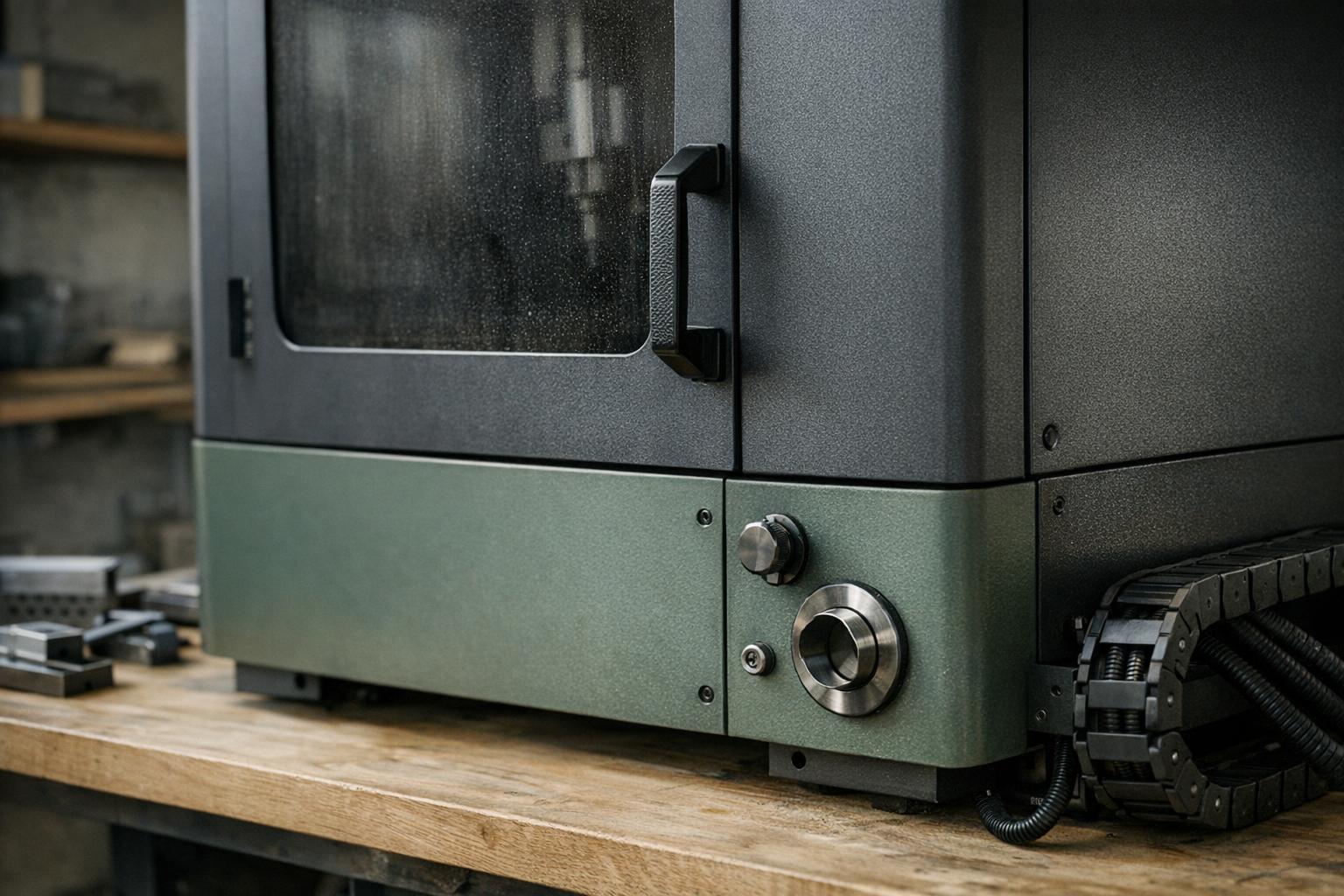
For the S1, xTool describes a lid interlock and explicitly prohibits defeating the lid's safety mechanism.[2] Follow the corresponding instructions for your own equipment. Do not hold a sensor closed to finish a job or assume a fault is harmless because the artwork looks normal. An interrupted project can be remade; bypassing the documented configuration changes the operating conditions.
Make access control practical. Decide who keeps the keys, who may start a job, and where the operating instructions live. Explain the boundaries to family members or coworkers before the machine arrives. A workshop should not depend on a handwritten note that visitors may miss. If multiple people use the machine, keep a short handover record so the next operator knows whether anything is unresolved.
Inspect the enclosure as a complete assembly
Before operation, use the manufacturer's checklist to examine doors, viewing panels, base sections, connectors, and accessory interfaces. Identify the permitted configuration in the manual rather than judging protection by panel color or apparent thickness. Record damage and obtain the appropriate replacement or support guidance before using questionable equipment.
Pay particular attention after changing accessories. A rotary may require a different base arrangement, and a feeder may introduce an opening that was not present in ordinary flat processing. Our rotary planning guide helps you list these dependencies before buying. Keep the original assembly instructions with the accessory so returning to flat work does not become a memory exercise months later.
Separate beam protection from smoke control
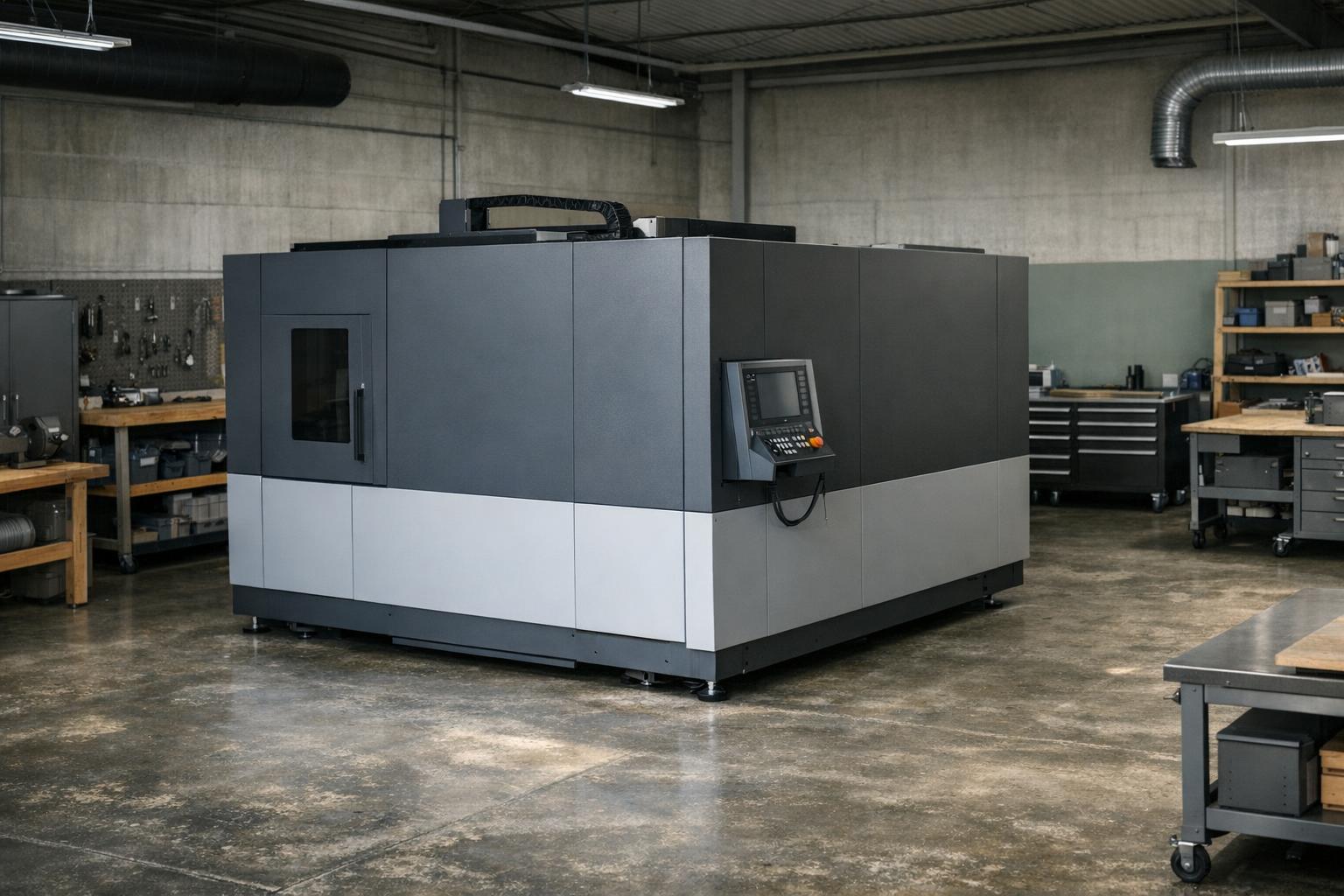
A lid that limits access to the beam does not, by itself, answer where process emissions go. Plan ventilation independently and verify material suitability before a job. Epilog recommends obtaining a material's safety data sheet when investigating compatibility.[8] Use that document as a starting point for a specific question to the machine or material supplier, rather than treating the presence of paperwork as blanket permission.
Our ventilation and material screening guide covers that separate decision. In your preflight notes, give enclosure condition and exhaust readiness their own checkboxes. Combining them into a single safety checked item makes it too easy to overlook one. Also establish who can stop the job if an unexpected condition appears while the operator is dealing with the computer.
Plan for interruptions before starting
Identify the stop control in the manual and make sure you can reach it without moving stored objects. Read the manufacturer's emergency procedure before you need it. Keep your local emergency arrangements appropriate to the workplace; do not improvise a rescue or fire response from a product review. Arrange the work area so leaving it does not require passing through a cluttered loading zone.
Write down the conditions that cancel a job: unresolved damage, unidentified stock, failed extraction, or a setup that no longer matches the instructions. This is a decision aid, not an exhaustive technical hazard assessment. In a shared or commercial workspace, route questions about training and operating controls to the responsible safety professional rather than letting the newest operator infer a policy.
| Condition | Why it stops the job |
|---|---|
| Unresolved damage | Enclosure no longer matches the documented configuration |
| Unidentified stock | Material suitability unknown |
| Failed extraction | Beam protection does not control emissions |
| Setup differs from instructions | Operating precautions may no longer apply |
Use a short, repeatable preflight
A useful preflight is specific enough to act on:
- Configuration: correct.
- Material: approved.
- Ventilation: required ventilation operating.
- Access controls: intact.
- Area: prepared.
- Operator: ready to supervise.
Make the list visible at the machine and adapt it to the manufacturer's instructions. Avoid a checklist so long that people sign it without actually checking anything.
After maintenance or a configuration change, review the relevant steps again before production. Record the change and the document used. If something is unclear, postpone the job and ask for authoritative guidance. The objective is not to accumulate accessories that look protective; it is to operate a documented configuration consistently, with clear limits and a practical way to stop when those limits are no longer met.
Our rated picks
The three best-rated models of our engraver accessories ranking, from the Amazon review record and the listed specs.
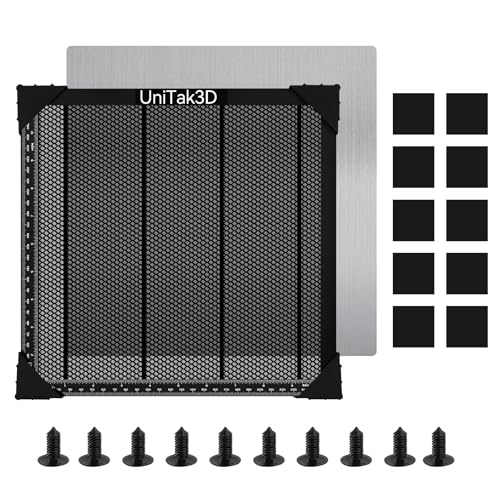


Product images: Amazon listings
Sources and further reading
- FDA: Laser Products and Instruments
- xTool S1: Safety First
- Epilog: Material Compatibility for CO2 and Fiber Laser Engravers