How to Find Repeatable Laser Settings and Record the Result
Develop repeatable laser settings with approved samples, bounded settings grids, clear quality criteria, and a useful material record.
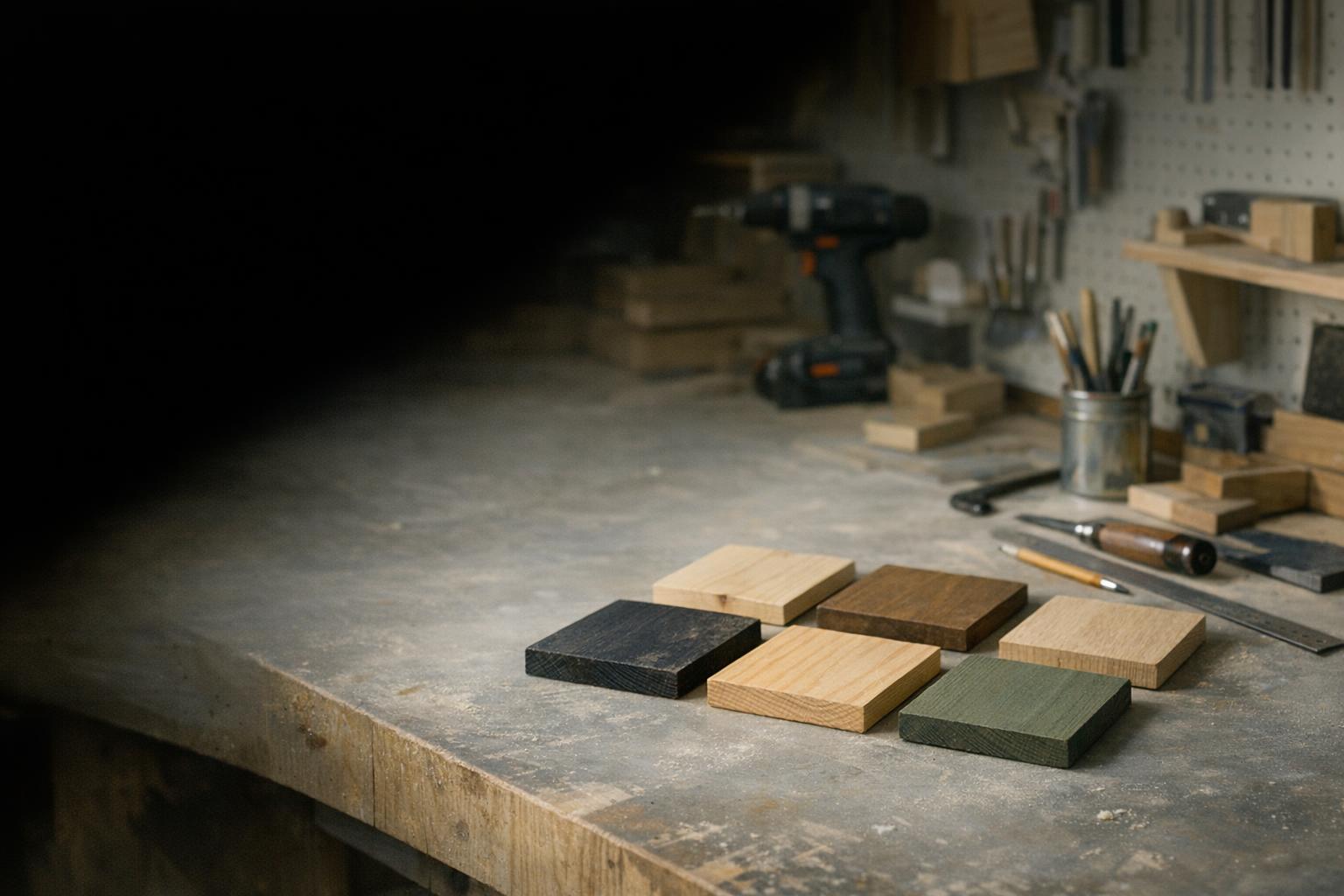
A settings grid should answer a narrow question about an already approved material. It is not a way to find out whether unidentified stock is safe to process. Start with a known sample, a documented machine configuration, and an acceptance criterion; then use a small controlled grid to choose the next setting.
Affiliate disclosureAs an Amazon Associate we earn from qualifying purchases made through links on this page. Commissions never change our ratings.
Approve the stock before making a settings grid
Record the supplier, material reference, thickness, coating, and batch. Keep enough matching stock for confirmation after the first trial. If you cannot identify a backing or surface treatment, stop at the material-screening stage. Our material and ventilation guide explains the information to collect before exposing stock to the beam.
The S1 instructions specifically reject processing unknown materials.[2] A tiny sample does not remove that uncertainty. Also distinguish your research from the manufacturer's: a published starting setting is information to evaluate within its stated conditions, while a result from your machine is your own observation. Label each accordingly so your eventual material library does not mix unverified internet suggestions with documented workshop trials.
Define what a successful result looks like
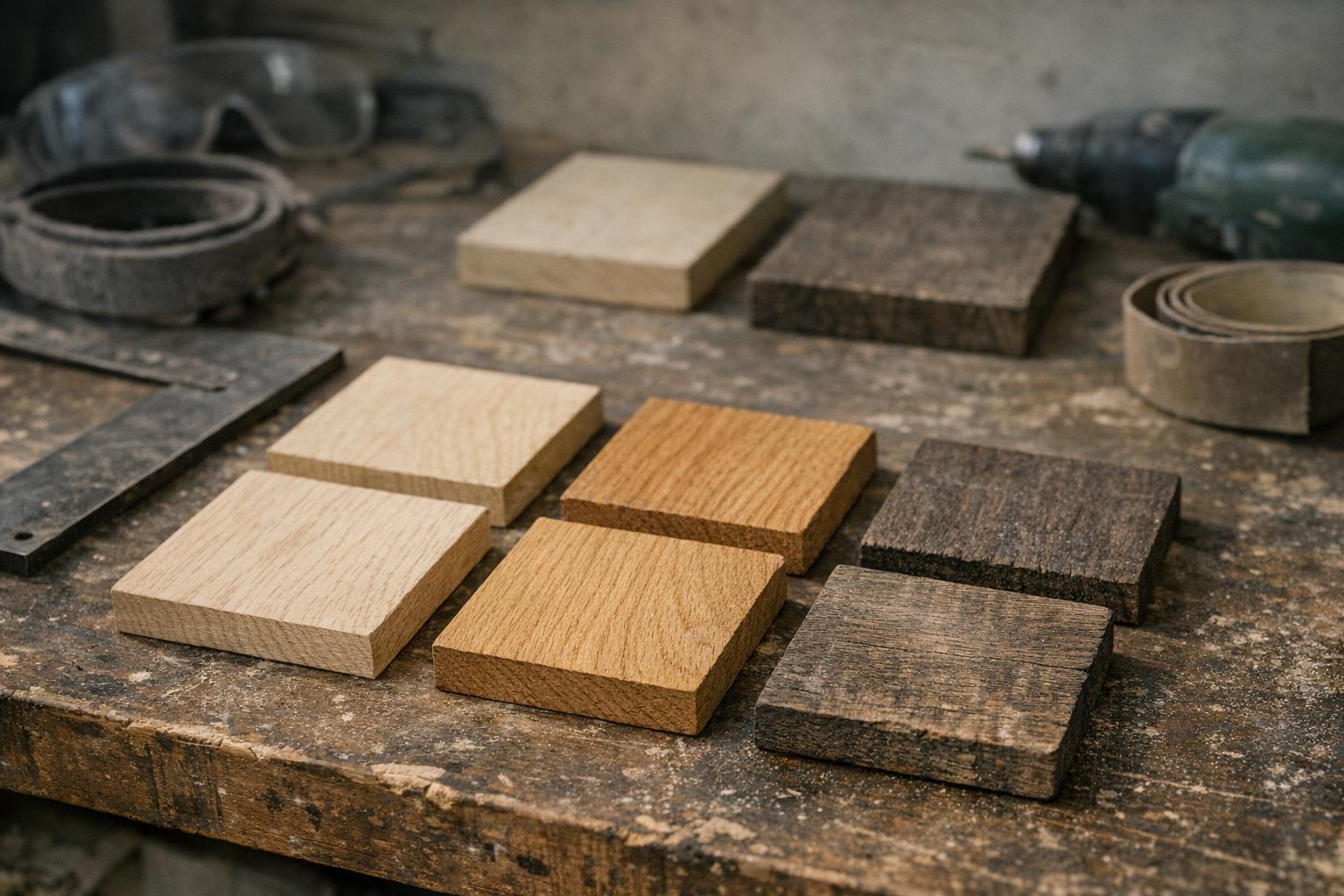
Choose the intended operation: a readable surface mark, a filled engraving, or a cut that separates cleanly enough for the project. Decide how you will judge it. For a small label, legibility at the final size may matter more than maximum darkness. For an assembled piece, fit may matter more than the appearance of an isolated square.
Write the acceptance criteria before looking at the grid. Otherwise the most dramatic-looking cell can become the winner even when it does not suit the finished object. Include any required cleanup or finishing in your notes. A result that only looks acceptable after an unrecorded finishing step is not a complete setting for the next operator to reproduce.
| Step | Purpose |
|---|---|
| Approve the stock | Supplier, reference, thickness, coating, batch; never process unknown material |
| Define success | Written acceptance criteria before looking at the grid |
| Bound variables | Vary selected parameters; check distance and time units |
| Preview and supervise | Frame with protections in place; stay present |
| Confirm | Representative real artwork on the same stock |
| Record | Project, photo, settings with units, module, date |
Bound the variables and check the units
LightBurn's material grid tool varies selected parameters across a grid and keeps other material settings common.[4] Start from manufacturer-supported guidance for the exact machine and stock, then choose a modest grid that answers one question. Do not interpret the ability to enter a wide numerical range as permission to use it.
Check both distance and time units before entering speed. Write the units beside every recorded value, even if the software displays them elsewhere. Keep focus, work support, and preparation consistent while comparing the chosen variables. Our focus and alignment guide helps establish those conditions. If you change several unrelated settings at once, you may get a different result without learning which change caused it.
Preview, frame, and supervise the trial
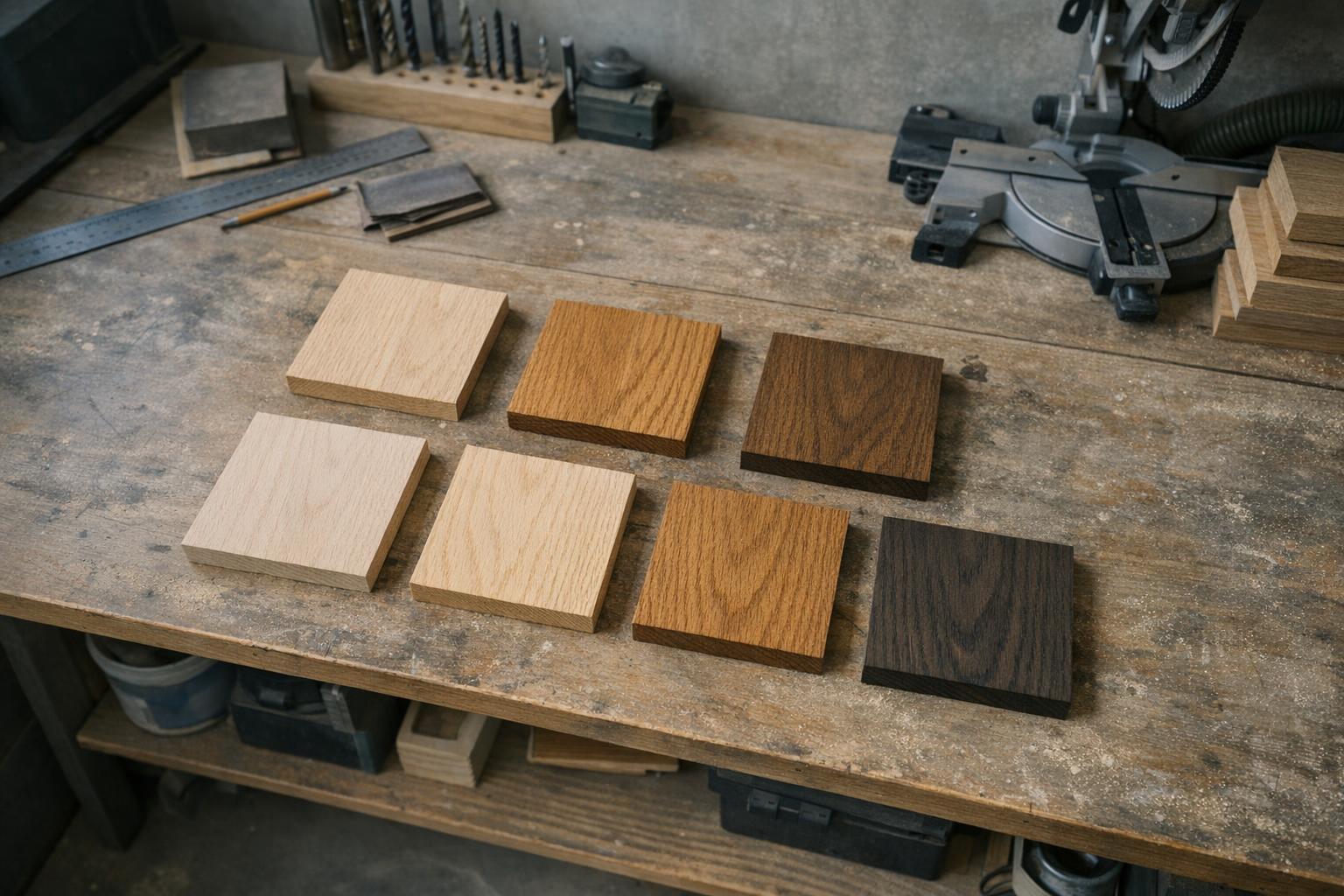
Review the generated pattern and confirm that labels, borders, and grid cells are where you expect. LightBurn provides separate settings for the grid text and border, so these elements deserve inspection too.[4] Make the grid small enough to inspect and large enough to read without consuming an unnecessary amount of stock.
Use the machine's documented framing and start procedure with the required protections in place. Remain present for the job and follow the prescribed stop procedure if an abnormal condition appears. Do not leave a grid running just because it is called a calibration pattern. Our safety checklist should be part of the preparation for experiments as well as finished production.
Select a useful range, then confirm it
Compare the sample with your written criteria and label the cells you want to investigate further. If several look acceptable, choose a smaller follow-up grid around the relevant range rather than jumping immediately to a full production sheet. Keep unsuccessful samples long enough to explain what you changed and why.
Confirm the chosen setting using a representative detail from the real artwork. A square sample may not answer how small lettering or closely spaced outlines will look. Make the confirmation on the same approved stock and configuration. Record the actual result without turning it into a universal claim about the machine or material category. Another supplier's similarly named blank remains a separate screening and setup question.
Build a material record that survives a month away
Save:
- Native project
- Photo of the sample
- Supplier reference
- Setup details
- Chosen settings with units
Add the date, software version, installed module, and relevant preparation notes. Use a file name that distinguishes the operation, since an engraving setup and a cutting setup should not be interchangeable by accident.
When you return to the material, compare the new batch and configuration with that record before relying on it. Recheck after a meaningful change, such as different stock, optics, or a revised fixture. The value of a grid is not simply a good-looking sample. It is a clear chain from a defined question to a recorded result that tells you what you can reasonably repeat.
Our rated picks
The three best-rated models of our engraving materials ranking, from the Amazon review record and the listed specs.


Product images: Amazon listings